
How we work
From CAD file to a deployed experience
In short
Beebox Studios delivers enterprise XR in six stages: discovery, 3D from your own data, build, pilot, deployment and ongoing support. Each stage has a clear output, so you see working 3D early and roll out only what has proved itself with real users.
- 01
Discovery
A short call about the product, the audience and the devices they use.
We start with the business problem, not the technology: who needs to see what, on which device, in what setting (a dealer visit, a training bay, a control room, a trade show). We look at the data you already have, such as CAD files, drawings, photos, manuals and sensor tags, and agree what success looks like.
- 02
3D from your data
We turn CAD, drawings and photos into optimised real-time 3D.
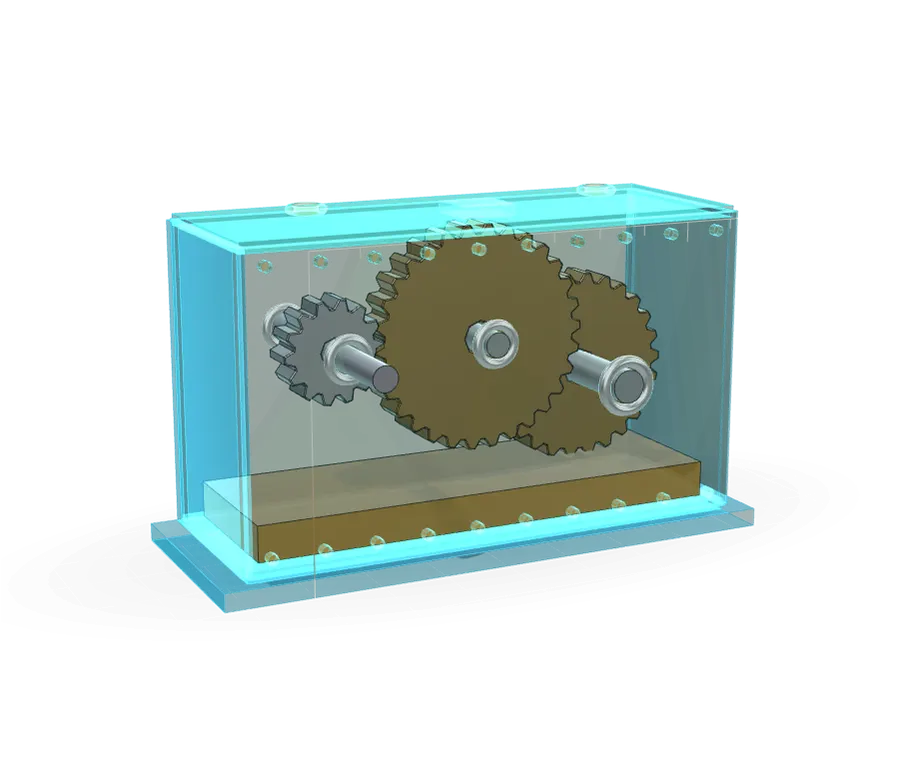
Our 3D team converts engineering data into lightweight, photorealistic real-time models: simplifying geometry, building materials, rigging moving parts and setting up cross-sections, transparency and exploded views. Models are optimised to run smoothly on everyday phones and tablets, not only on high-end hardware.
- 03
Build
AR, VR or Web 3D, on a product or as a custom application.
Depending on the need, the experience is configured on one of our products (SalesBee, TwinBee, SkillBee or CheckBee) or built as a custom application with real-time engines such as Unity and Unreal, or for the web. Integrations with IoT gateways, PLCs and SCADA systems, or a learning management system, are scoped here.
- 04
Pilot
A focused pilot with real users before a wider roll-out.
We put a working version in front of a small group of real users, such as a sales region, a training cohort or one production line, measure how it is used and refine it before anything is rolled out widely.
- 05
Deploy
Roll-out to sales networks, plants or classrooms, with access control.
We deploy to your users with the right access controls: app store distribution, private links, role-based access for dealers and regions, and offline content where connectivity is unreliable. Your team gets an admin console to manage users and content.
- 06
Support and grow
Updates as products change, analytics and new content.
Products change, so the 3D content does too. We keep models in step with engineering changes, add new products and scenarios, and use the engagement analytics to show what is working.
What deployment workflow works best for enterprise XR?
A staged one: discovery, a 3D pipeline from your own CAD and data, a focused pilot with real users, then a controlled roll-out with access control and offline content where needed. Beebox Studios follows this sequence so problems surface in the pilot, not across the whole organisation.
What do you need from us to start?
A clear problem, an owner on your side, and whatever product data exists: CAD files, drawings, photos, manuals, or for digital twins, the list of sensors and the systems that hold their data.
Can the experience run on our existing devices?
Yes. Beebox Studios builds device-agnostic experiences for the smartphones, tablets and browsers your teams already use, and for headsets where full immersion is worth it.
Who owns the 3D content?
Ownership and licensing of 3D content and source files is agreed in each project contract. Talk to us about what you need.
Next step
Start with a discovery call
Send us a CAD file, a drawing or a product brochure. We will show you what an interactive 3D demo, a VR simulation or a live digital twin of it could look like.
Or call +91 87544 83451